
Loading...
A Guide to Writing Prompts
Prompting is one of the most critical parts of generating the AI girl you want to see. This guide will give you a foundational introduction into how to generate better images.
Step 1: Be Clear and Specific
Imagine you’re talking to another person! Oftentimes it’s better to break longer thoughts into shorter sentences, and separate them by commas. Get creative with how you describe something. Here's an example from our website:
https://trynectar.ai/gallery/view/0fe4ae66-7ac0-48e6-989e-78d1c0d2e864
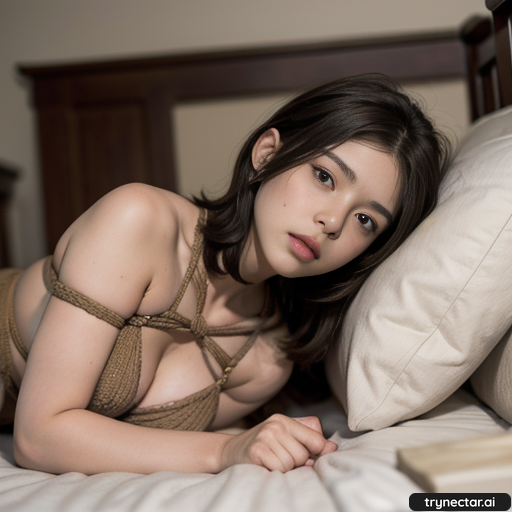
Prompt: 18 years old girl with brown hair. , lying in bed, athletic, medium breasts, looking at viewer
Negative prompts (Icks) are extremely useful. Whatever negative prompt you enter, will be excluded, or reduced in the generating of an image. For example, if I had the prompt "Clothes" added to my prompt for girl, it could include shirts, jackets, pants, etc. If I were to add "jackets" to the Negative prompts, we will be much less likely to generate an image of a girl in a jacket and would instead only generate girls in shirts or pants.
This can be extremely useful for fine-tuning a image, removing disfigured body parts, or reducing the strength of prompts. The prompt order system works for negative prompts as well, but instead, the stronger the prompt, the less likely it will appear and vice versa.
Step 2: Emphasize using (Parentheses)! De-emphasize using [Brackets]
When prompting, use parentheses and brackets to emphasize and de-emphasize certain things. () in prompts increases the model's attention to the enclosed words, and using [] decreases it. For example, if we wanted to stress that we only wanted girls with medium breasts, we could modify the earlier prompt as follows:
Prompt: 18 years old girl with brown hair. , lying in bed, athletic, (medium breasts), looking at viewer
The more parentheses you add, the more it is emphasized.
Step 3: Order Matters
Imagine you were telling someone how to do something. You want to put the most important things at the front. Put the most important qualities at the front of the prompt. We've modified the prompt below slightly and instead have emphasized the fact that we want the girl lying in bed. You can see that it is a much more natural position for someone to be lying in bed and looking at you.
https://trynectar.ai/gallery/view/710334c8-cb7b-4310-becc-d5958662385b
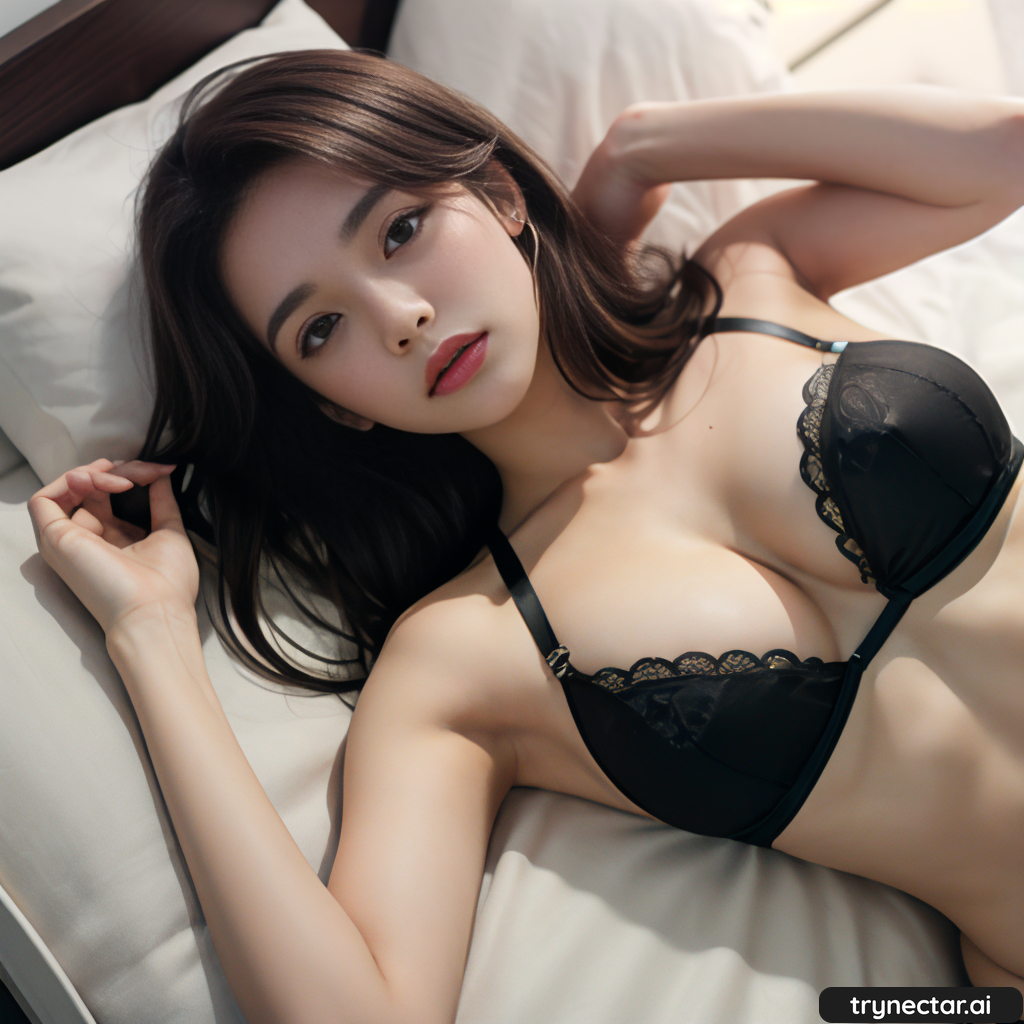
Prompt: girl lying in bed, athletic, (medium breasts), looking at viewer, bra, 19 years old girl with brown hair. ,
You can imagine that each comma separated chunk of your prompt is a slider you can move around by physically moving it through the prompt. If your faces aren't detailed enough? Add something like "highly-detailed beautiful symmetric faces" to the front. Is the lighting in the room a little TOO dark? Move "dark" in your prompt to the very end.
Step 4: Repeat What's Important
Imagine you were trying to describe your dream girl to someone. You would be super descriptive about her! This is why you see many prompts that continue to repeat certain adjectives multiple times. Also, remember that order matters so put the highest quality descriptions at the front, and repeat often if need be. Be a fan of your prompt. When you're typing up your prompt, use natural language that you'd use in real life OR make it as hyperbolic as possible - either work well (type like you're as excited as can be!). Try and really depict what you want to see and don't leave out mood words.
Step 5: Don’t be afraid to reference!
The best way to learn is to reference other generations you like! All of our share links created with Nectar include all the generation parameters by default. The explore page is a great place to browse all creations. If you see a photo floating around that you like, feel free to copy the prompts and use it as a starting point. Here’s one of our favorites to get your juices flowing:
https://trynectar.ai/gallery/view/538b9328-4c6c-4915-9a9d-66287571aa46
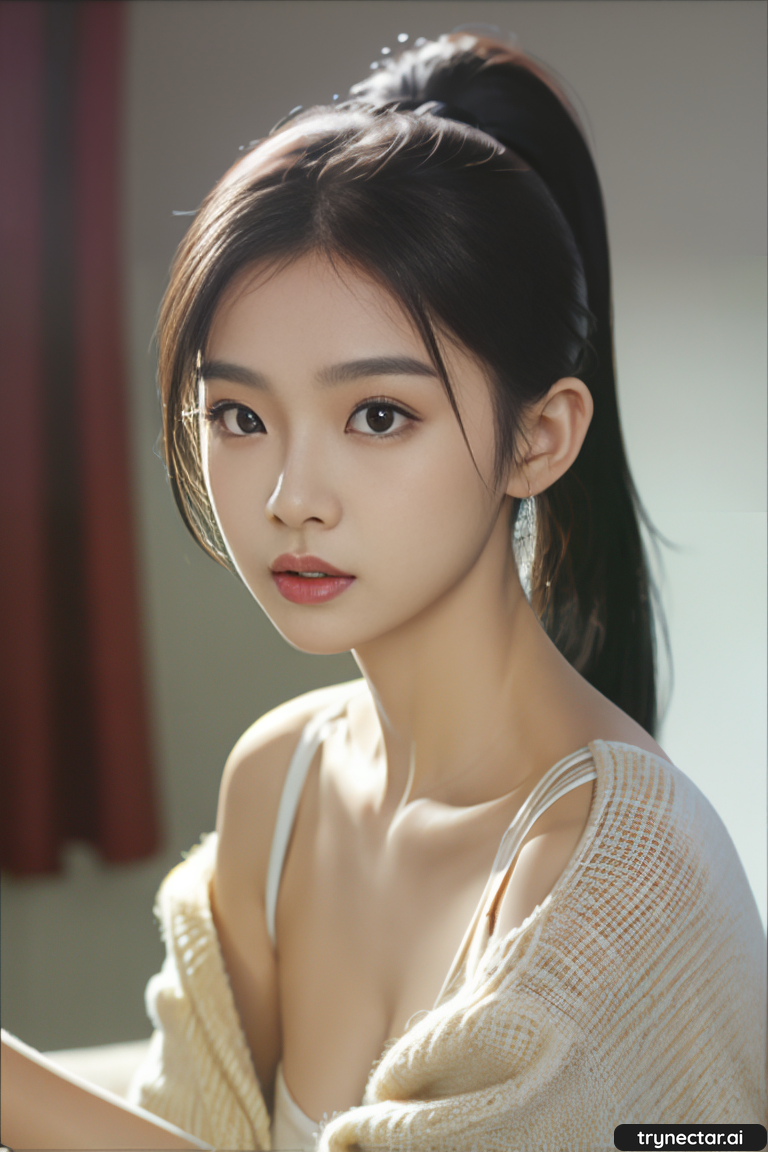
Try altering the model, or changing up the scenery you want to see. By following these steps, you should be able to get pretty good at prompting to get the images you want. Remember, practice makes perfect — this is a skill, and it takes time to hone. Stay the course, and you will be sure to generate your dream girl in the end!