
Loading...
How to Make Your First AI Girl with Nectar Image Creator
Nectar is an extremely powerful tool that allows you to make the AI Girl of your dreams. While most sites traditionally only allow you to input via tags, Nectar allows for full customizability over whatever you want to create by allowing you to put things into both the prompt and the icks (what you don’t want to see). Try creating your AI companion.
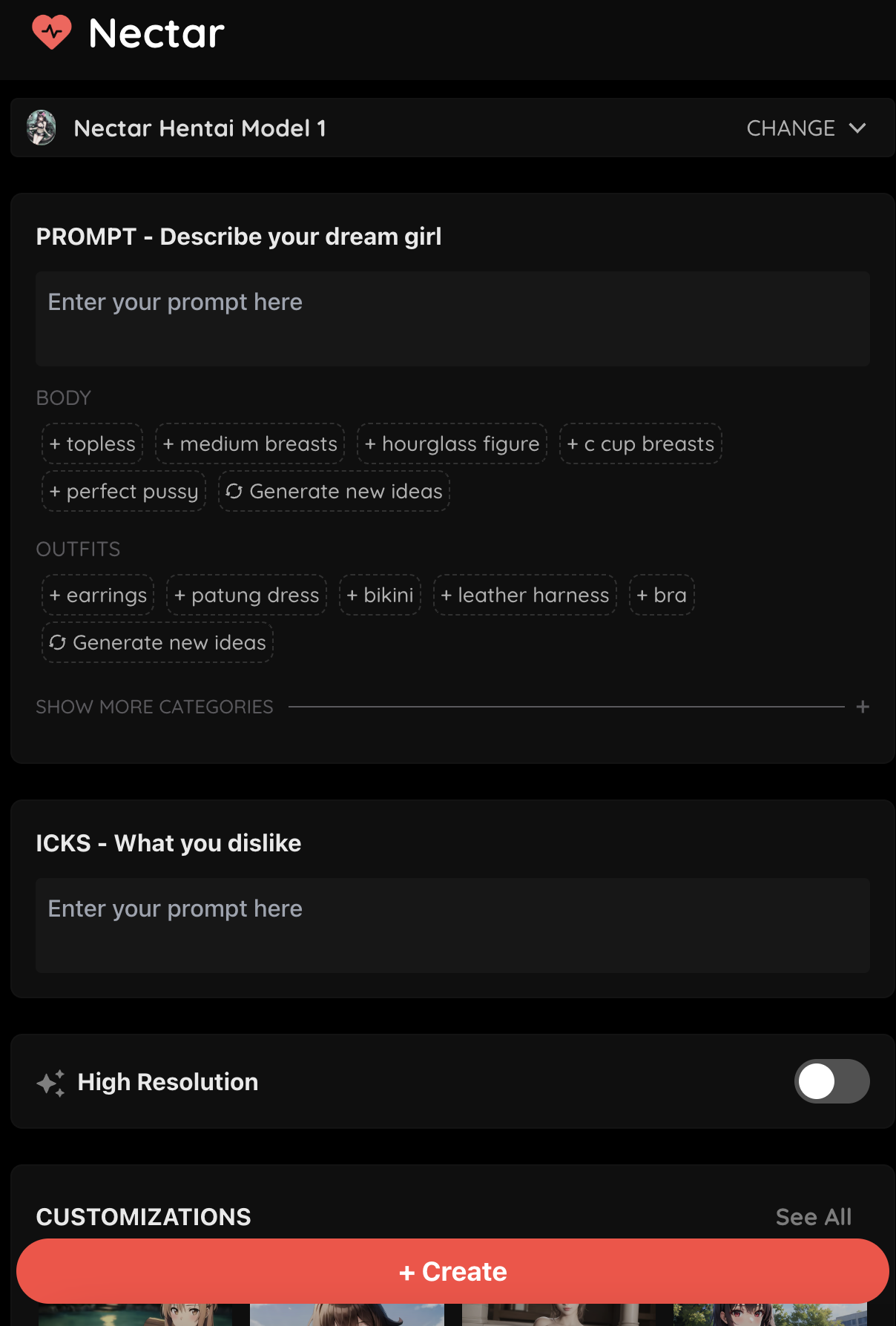
This post is an overview that will teach you how to make an AI girl on Nectar! We will go in-depth into how to properly use our tool.
1. Choose your Model
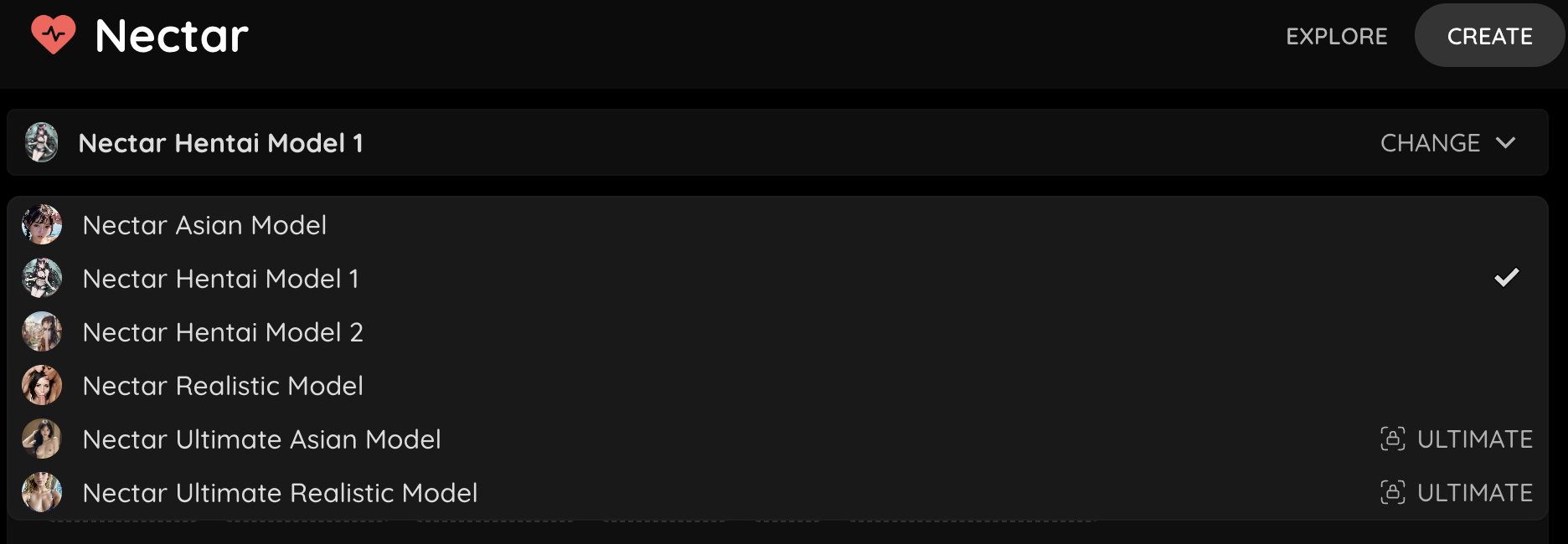
The first step is to choose your model. Our models have been carefully fine-tuned and optimized to allow for the best possible experience. At this time, we have three predominant themes to help you create your favorite AI girl.
Asian Model - Our Asian model has been modified to give you the most realistic looking Asians to fulfill your fantasies.
Hentai Model - We have multiple Hentai models to make sure your ideal waifu and anime dreams come to life. Nectar allows you to have a customized experience that’s designed specifically for you.
Realistic Model - Tired of other photo generators not giving what you want? Our realistic models renders lifelike poses and scenes in stunning visual detail.
Enhance Your Experience
We also have a selection of ultimate models which are unlockable with our Ultimate Plan. Our ultimate models were vetted by an elite team of AI scientists and artists to bring unprecedented detail to each of the categories. The Ultimate Plan comes with one of our most popular features, unlimited HD generations. We also continuously update our ultimate models, and you will be the first to receive access to all new features and improvements.
2. Prompt What You Want (And Don’t Want)
The next step is to describe what you want to see in the PROMPT box. One example might be:
Blonde hair, red eyes, long hair, French braid, nude, medium breasts, outside
You can be as explicit as you want! For example, you can add in a couple more descriptors to describe the scene in more detail.
(((sex:1.3))), breast grab, ((girl sitting on guys crotch)), (guy legs and chest visible:1.1)
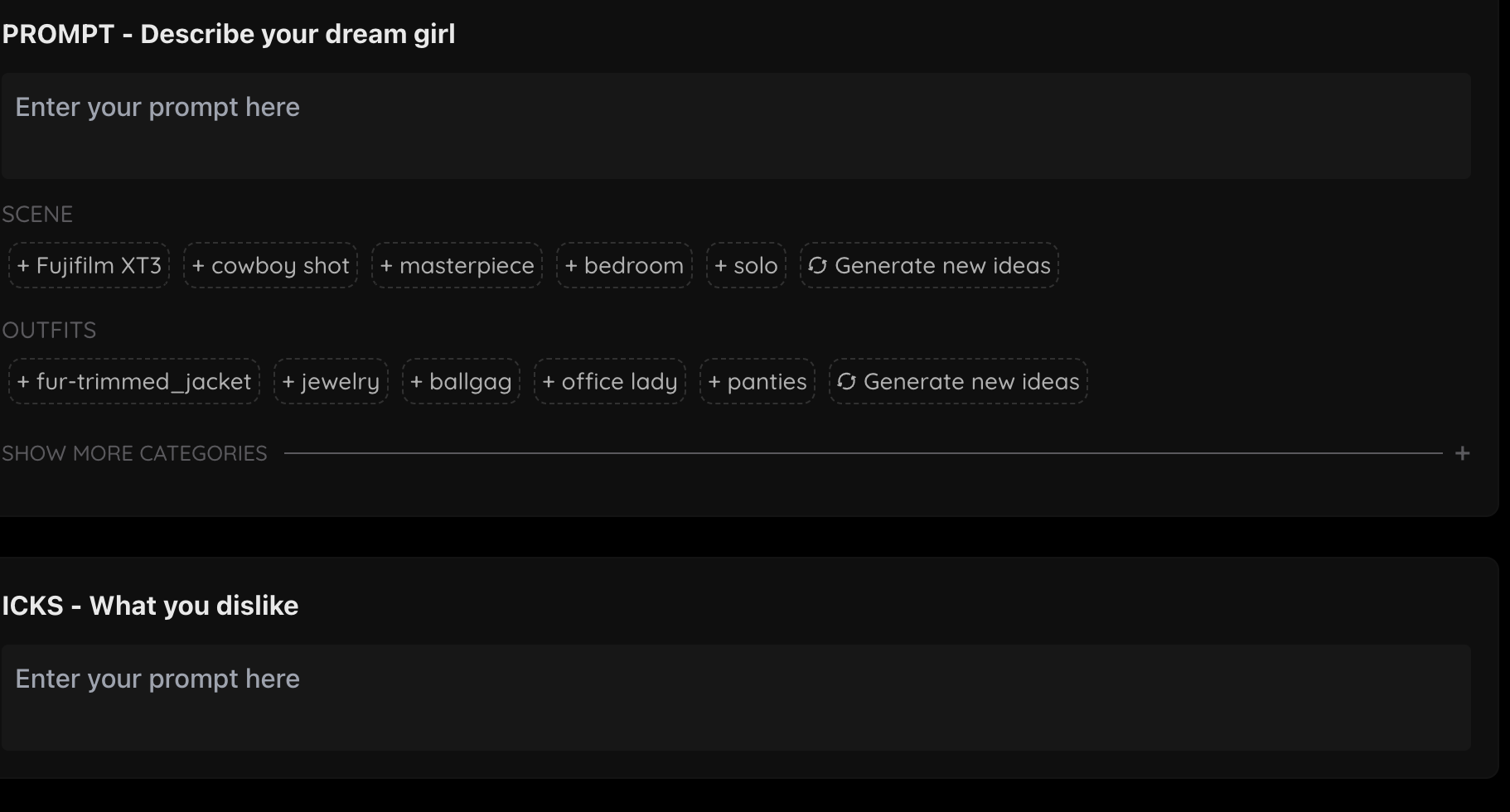
We also have predefined tags that you can choose from to help spark your creativity, so you can do more generating and less thinking.
The ICKS section is for you to describe what you DON’T want to see. We already have many things pre-filled for you on the background (such as extra fingers, extra arms, extra hands, etc) but feel free to add in other things you don’t want to see. Some icks you might want to put are:
extra limbs, disfigured, ugly, worst quality, no skin texture
For more information see our prompt guide here.
3. Choose HD Generations & Dimensions
Accounts with a Pro subscription or higher are able to generate higher quality generations. You’ll immediately notice a massive difference in generations, such as improved texture and depth, and exceptional clarity in images that makes your creations more immersive and realistic.
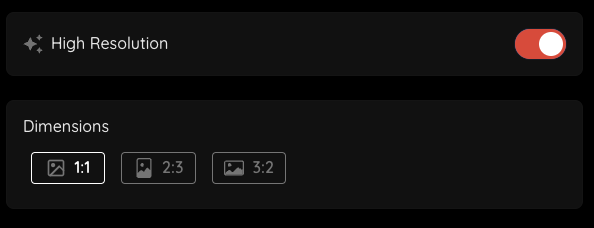
High Resolution -- Toggling this on will make all your generations more high resolution, which is almost 2x over our baseline. Every pixel is packed with details, making your girl stand out from the others.
Dimensions -- The dimensions options allows for more versatility. Want to capture an intimate, close-up image? Choose Portrait mode and put the spotlight on your girl's face and body. If you're envisioning more of a panoramic scene, landscape mode will allow you to see more of the surroundings, so you can depict your girl in any scene you want. Regardless of what you're envisioning, the dimensions feature will allow you to create it. Make sure to toggle your high quality generations on as well!
4. Select Customizations
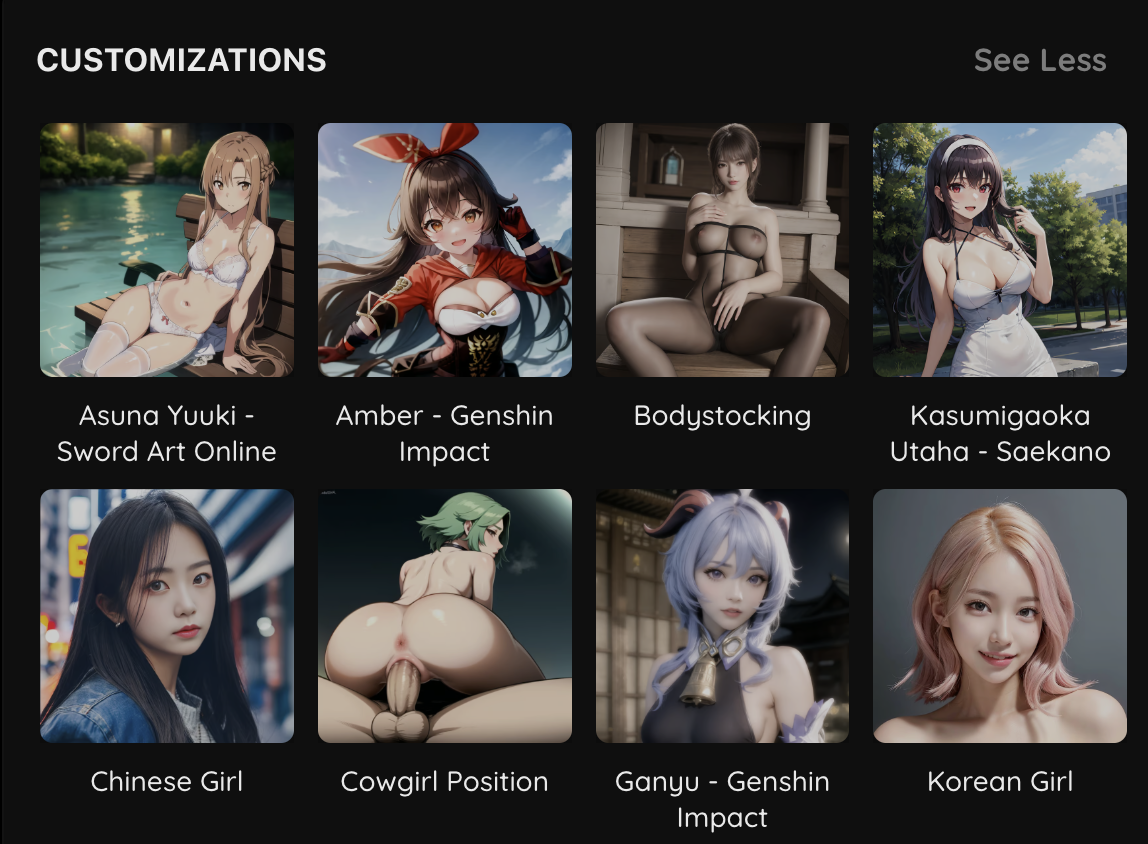
Photos tell a thousand words. Sometimes you may not know how to describe what you’re looking for. Our customizations have been handpicked to suit your every desire. These customizations do more than just describe what you want — these customizations have been trained specifically on a particular pose/ethnicity/act to make your photo appear more like what you have selected. For example, selecting the blowjob customization will make the pose and scene much more realistic simply than typing “blowjob” into the prompt.
5. See Your Dream Come to Life!
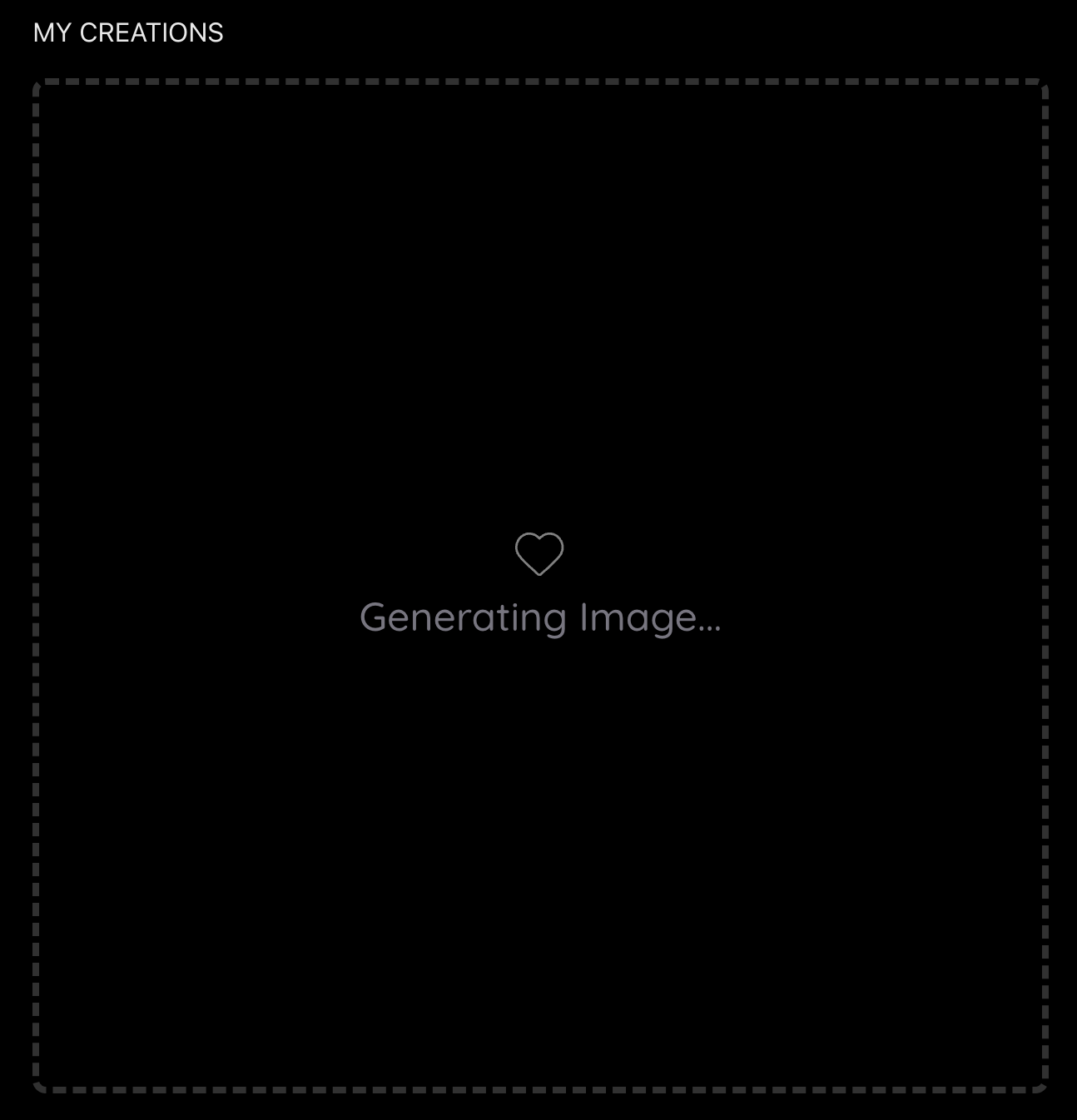
The last step is to hit the Create button. As soon as that happens, you will see the "My Creations" tab populate with an icon telling you your image is being generated. Depending on whether you have selected HD or not, generation time can range. We pride ourselves on having one of the fastest generation times in the market.
Saving your Photos
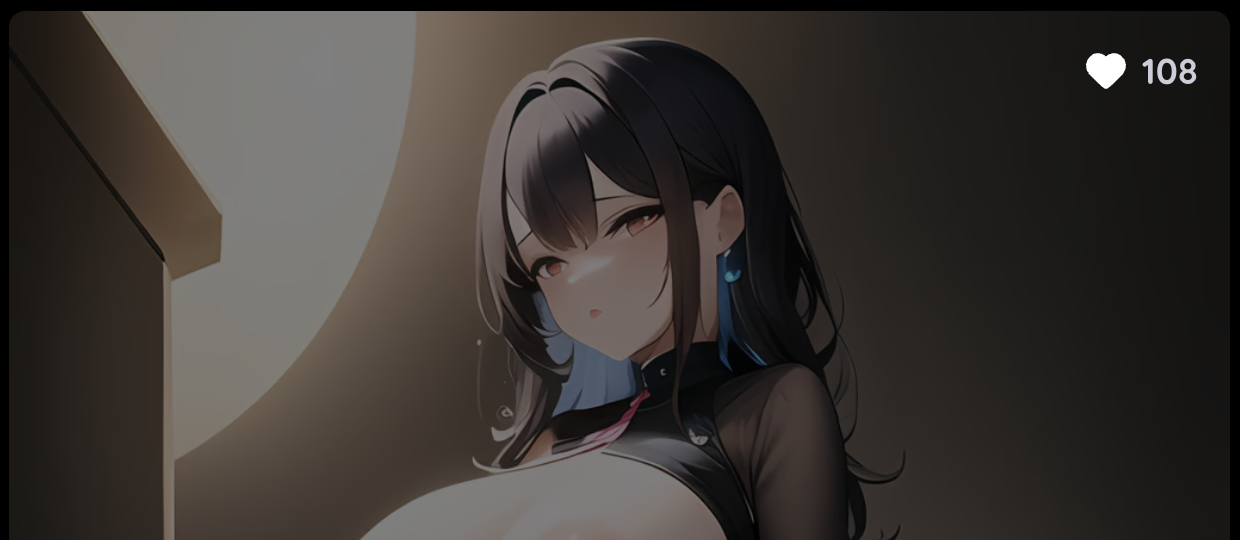
If you generate a photo you like, you can press the like icon on the top right. This way, your image will immediately be saved into the “My Creations” section on the right. You can come back anytime to view your saved photos, and unlike them if you’d like!
Feel free to continue looking at the explore page to browse inspiration from others, or check out our featured nudes for the premade AI girls of your dreams! We can’t wait to see what you create.