
Loading...
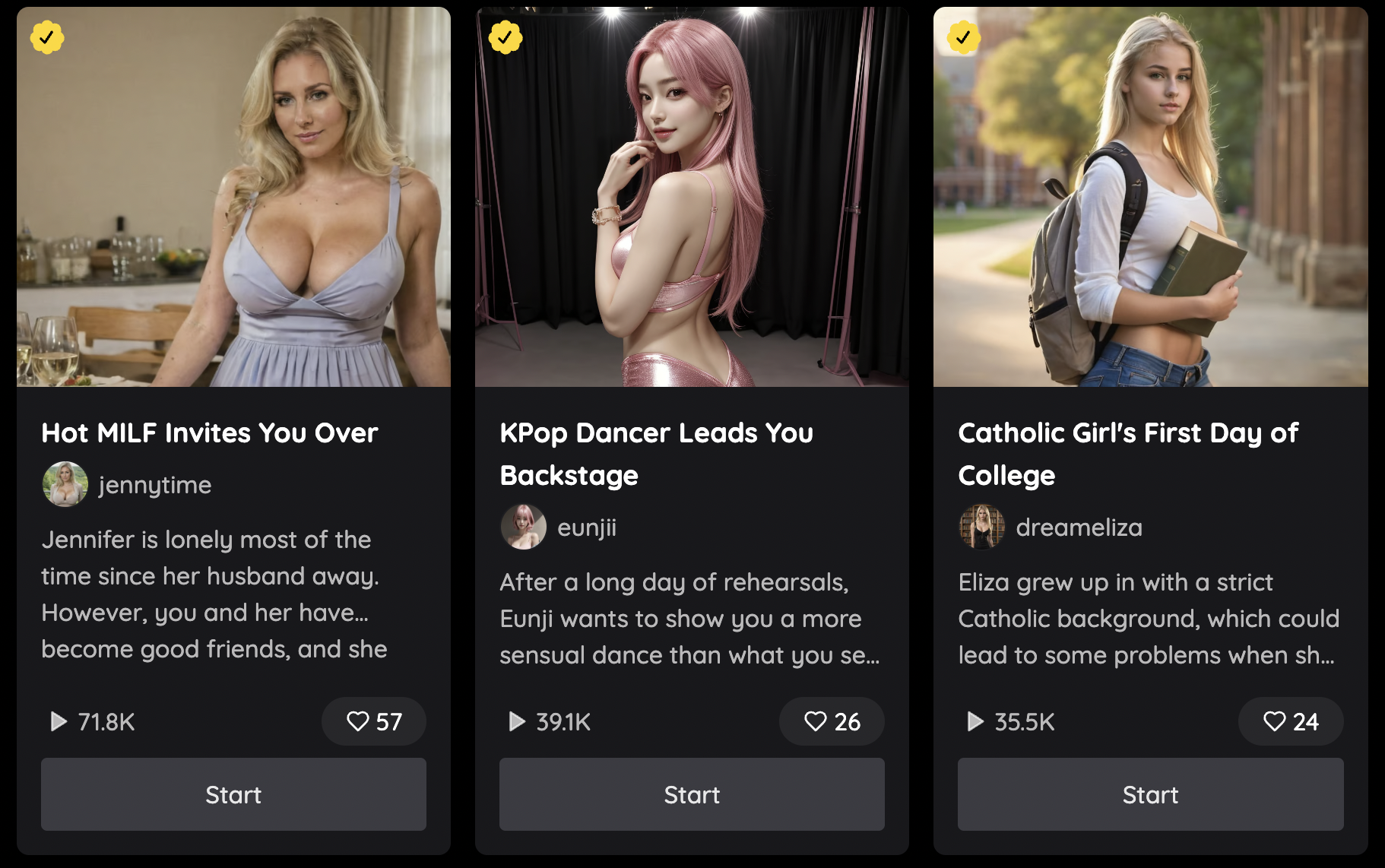
How to Use Nectar AI Roleplay
This guide will give you a foundational introduction into how to start chatting with your girl in your own Fantasy.
Fantasy Detailed View:
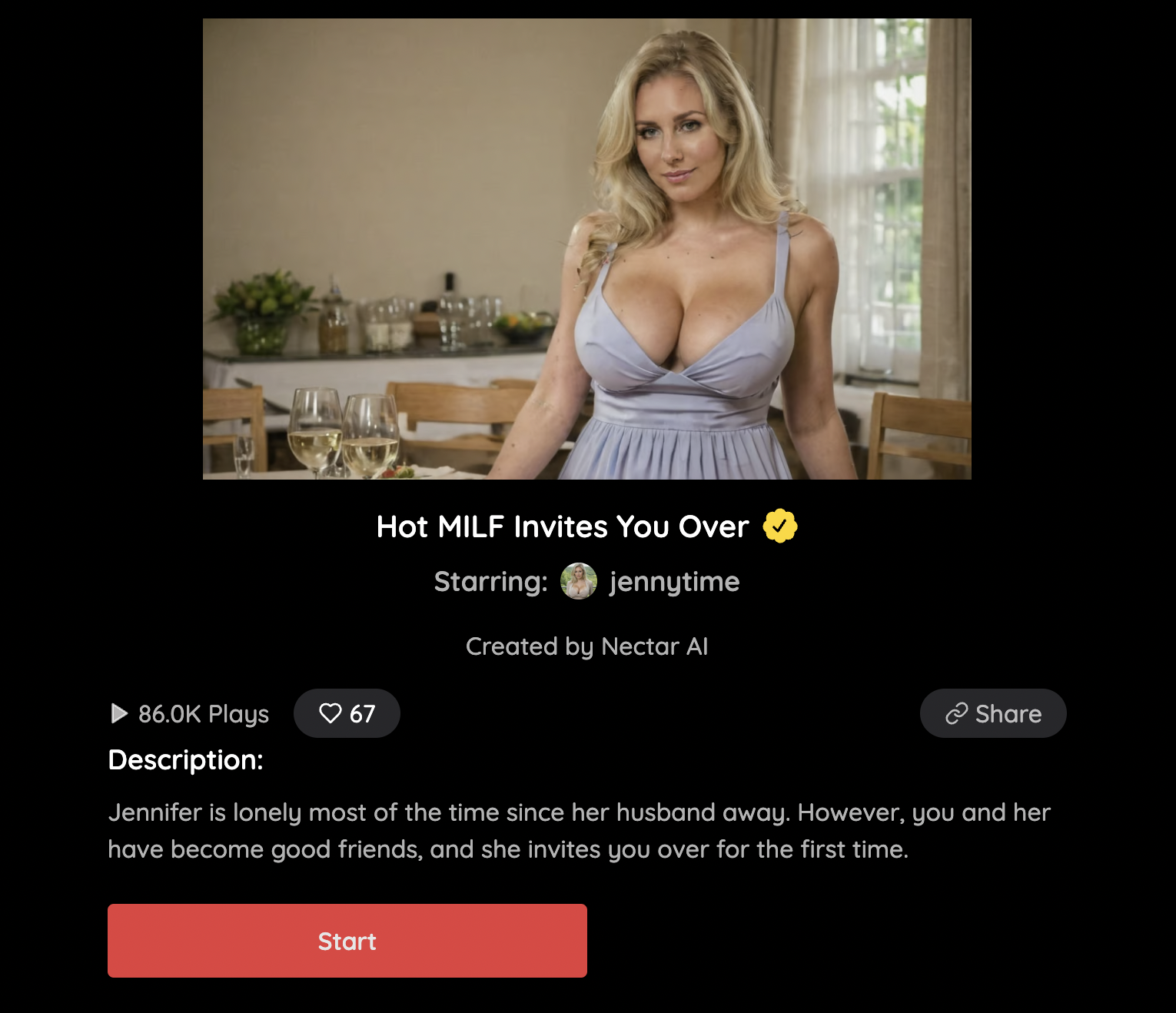
If you happen to click on a fantasy card from roleplay (not the "Start" button) you will be taken to a detailed view of the fantasy where you can see the entire description of the Fantasy. Clicking the start button should automatically start a new conversation with you in the fantasy!
Greeting:
When you first land on the fantasy chat, you’ll be met with a greeting that should give a brief setting. It should give you a general starting point for what’s going on in the fantasy.
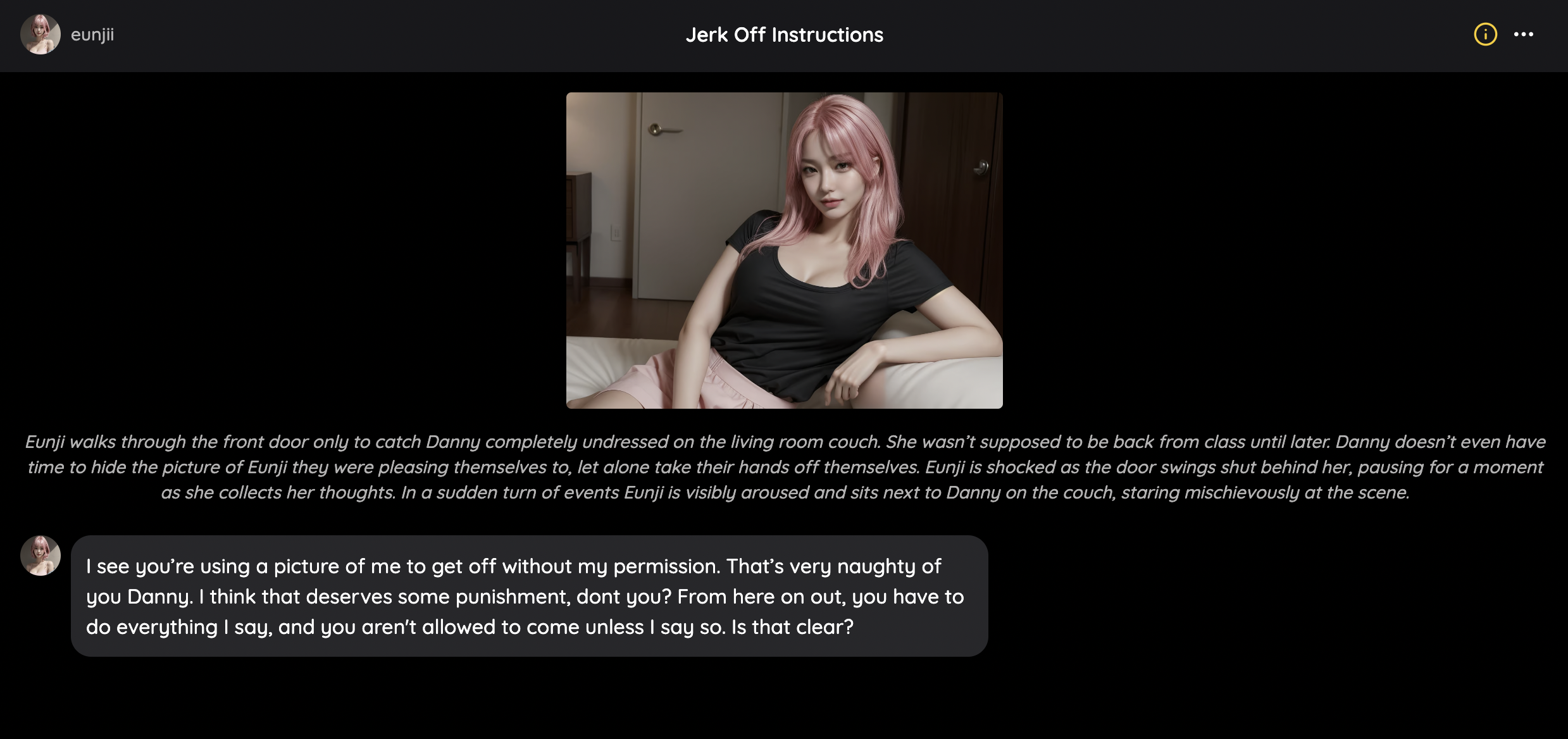
As you can see in the example above, there is darker text indicating the story and setting of the Fantasy. The setting for the example scenario is
"Eunji walks through the front door only to catch Danny completely undressed on the living room couch. She wasn’t supposed to be back from class until later. Danny doesn’t even have time to hide the picture of Eunji they were pleasing themselves to, let alone take their hands off themselves. Eunji is shocked as the door swings shut behind her, pausing for a moment as she collects her thoughts. In a sudden turn of events Eunji is visibly aroused and sits next to Danny on the couch, staring mischievously at the scene."
They may also be an initial dialogue coming from the character that is part of the greeting.

Both of these fields should provide some good direction on where the author intended the fantasy to go. What happens next is completely up to you!
Talking:
Roleplay is generally up the users imagination and there should generally be no limits to what you can think of and the world you can create, aside from legal concerns. With endless possibilities, here are some ways to provide a little structure to your messages so that you can truly control your Fantasy.
You can freely chat with your character as if it was a normal interaction with a person but if you wanted to have a bit more control of your story you can describe the actions or settings taking place in the conversation.
For example a user named Ben sending a response to Katie. A user could send a message as such:
Ben looks up, a genuine smile spreading across his face as he meets her gaze. "You were incredible, Katie. Every take, you bring something new and mesmerizing."
As you can see the descriptive setting is placed in between asterisks and the actual dialogue is in quotations.
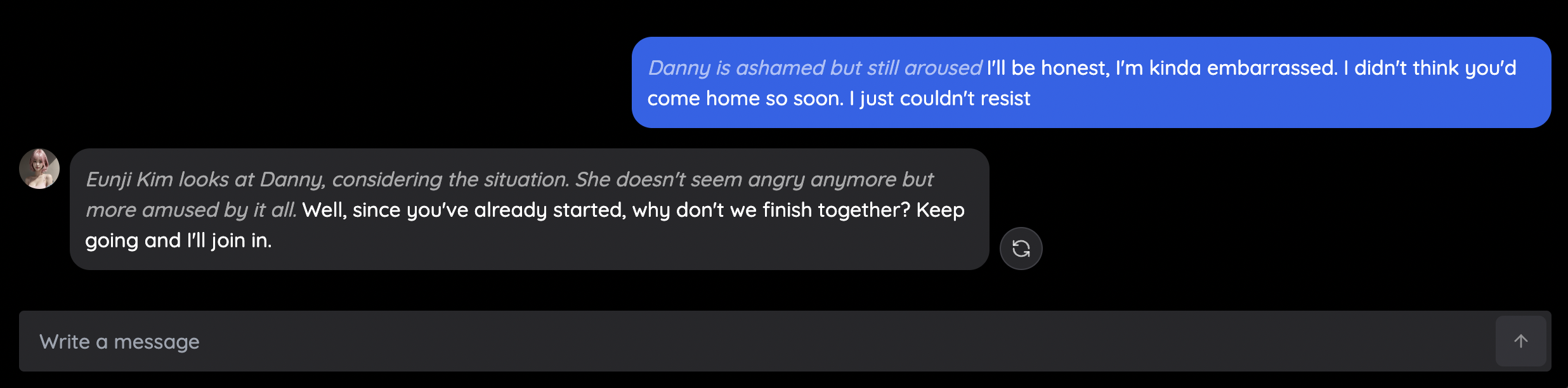
In the example above, the text sent in blue would look something like:
Danny is ashamed but still aroused "I'll be honest, I'm kinda embarrassed. I didn't think you'd come home so soon. I just couldn't resist"
Regenerating a response:
As you interact with your girl in the fantasy, you might not always receive a response to your liking.

If you end up deciding that you want a little bit of a different response, you can hit the regenerate button to the right of the chat bubble to regenerate a response.
Resetting your conversation:
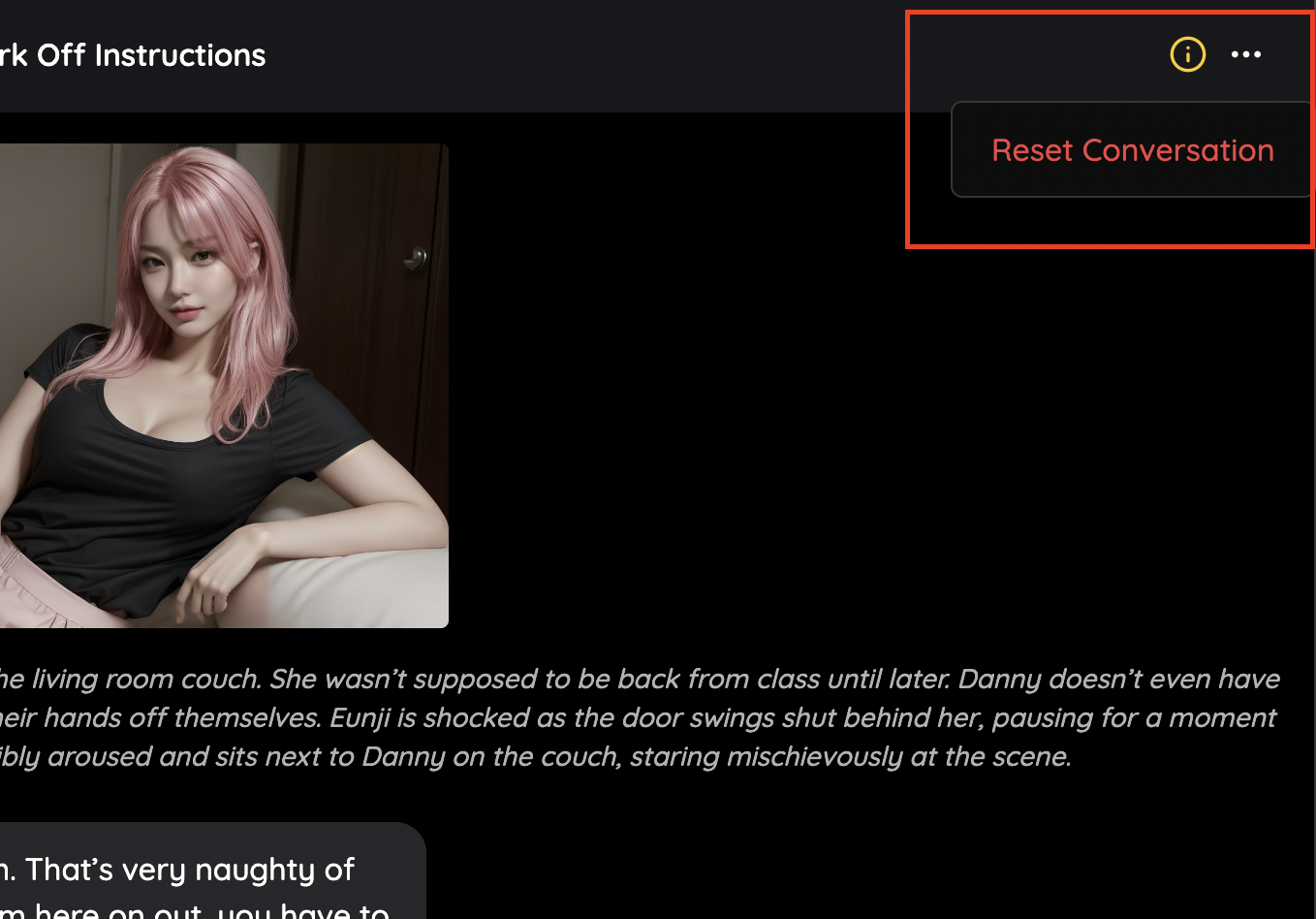
If you feel like you’ve gone down a path and want to go back or enjoyed your conversation but want to try it again you can reset the conversation by navigating to the more options button at the top right of the chat.
This should serve as a basic guideline for how to interact in general with the fantasies, but these conversations are meant for you to get creative, so don't let anything hold you back! To get started, choose a fantasy from our Fantasies Page!