
Create a Realistic AI BF Instantly for Free!
In this guide, you’ll learn about all the ins and outs on how to create your dream boyfriend and get started with talking to him! In this guide, we’ll focus on creating an actual boyfriend that will look and talk exactly like how you want him to!
This will work a lot better if you actually follow along with the steps, so go ahead and throw this guide up in one window and get to the Boyfriend Creator in the other!
Before Starting:
Of course, you can create whatever guy you want, and this will work perfectly. However, this will work a whole lot better if you come up with some sort of idea of how you want your guy to interact with you, that’s going to be way better so you’re not caught off guard. Perhaps he’s a recent college graduate that’s just entering the party scene, or a more mature man who’s looking to settle down. As for this example, we’ll be creating a boyfriend that is currently a chef. Of course, you don’t have to go tame, you can go as spicy as you want, but for reading purposes, we’re going to keep it nice and family friendly.
Let’s start!
Navigate to Nectar AI
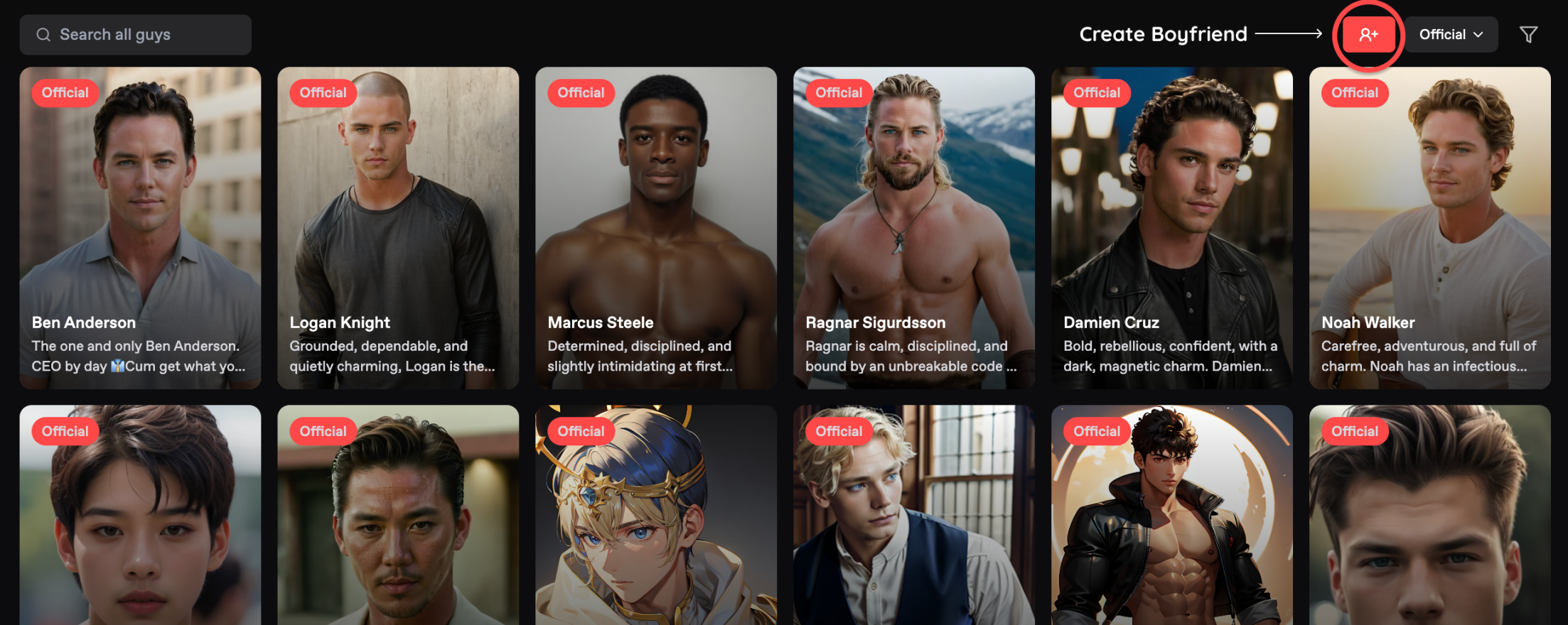
Choosing a Starting Point
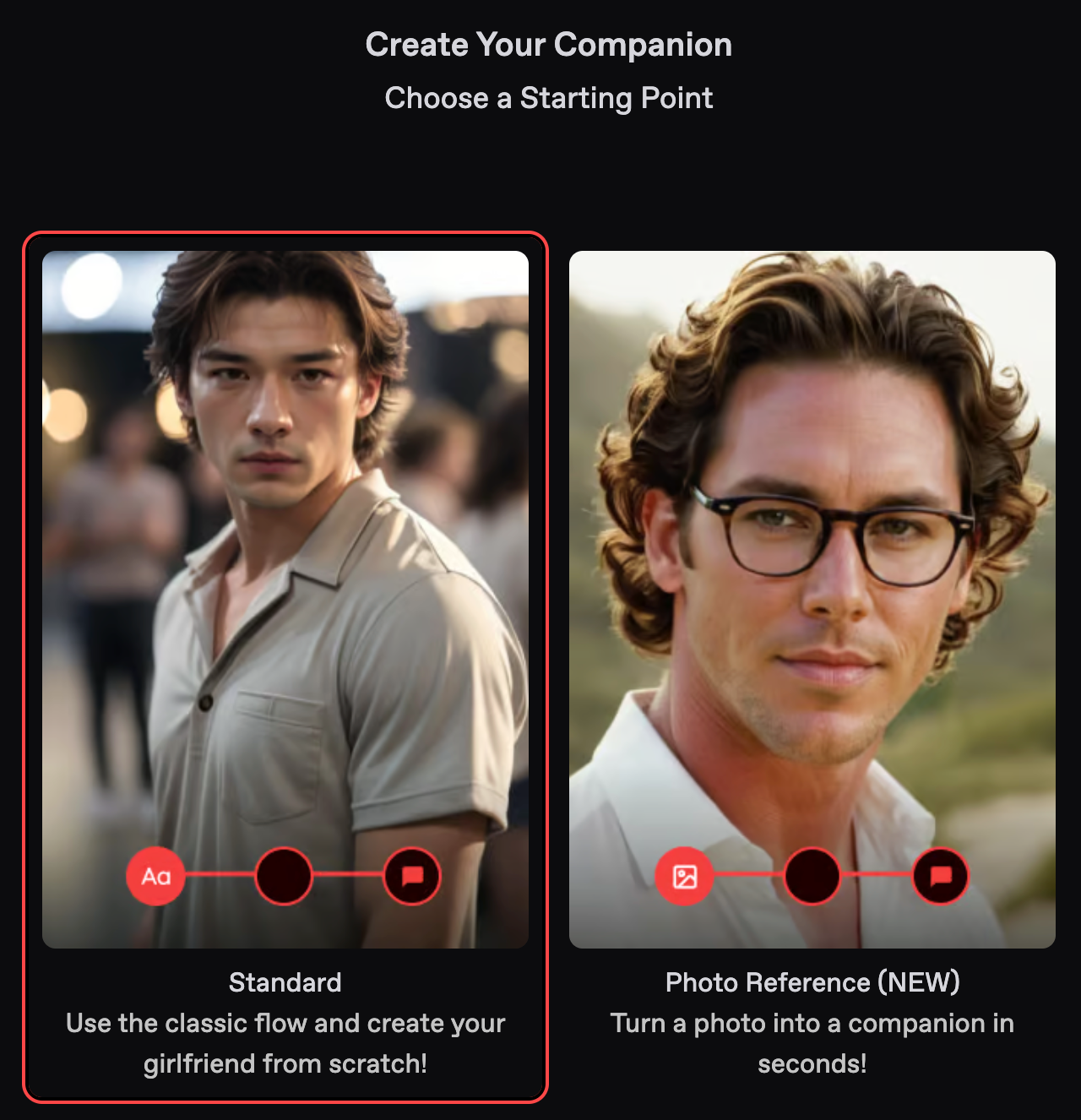
The first thing you'll see is whether you want to create a standard character or use a photo reference. For the purposes of this guide, we will select the standard option. You can also upload a photo reference from anywhere in Nectar AI if you have a previously generated image.
Choosing Your Style: Anime vs. Realistic
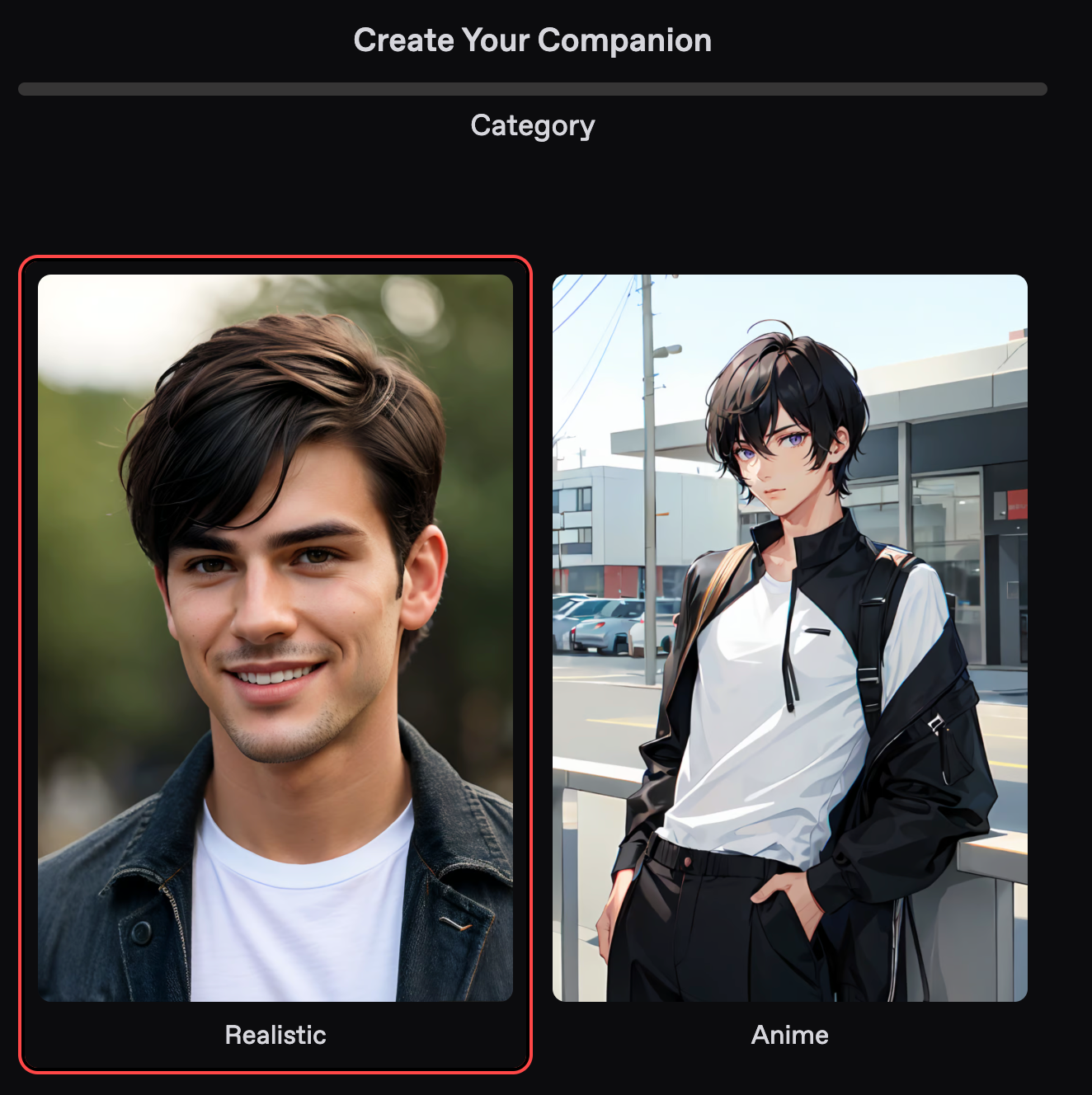
The first thing you’ll see is a decision to either go realistic or anime. For the purposes of this guide, we’ll be focusing on a nice realistic looking hubby.
Ethnicity
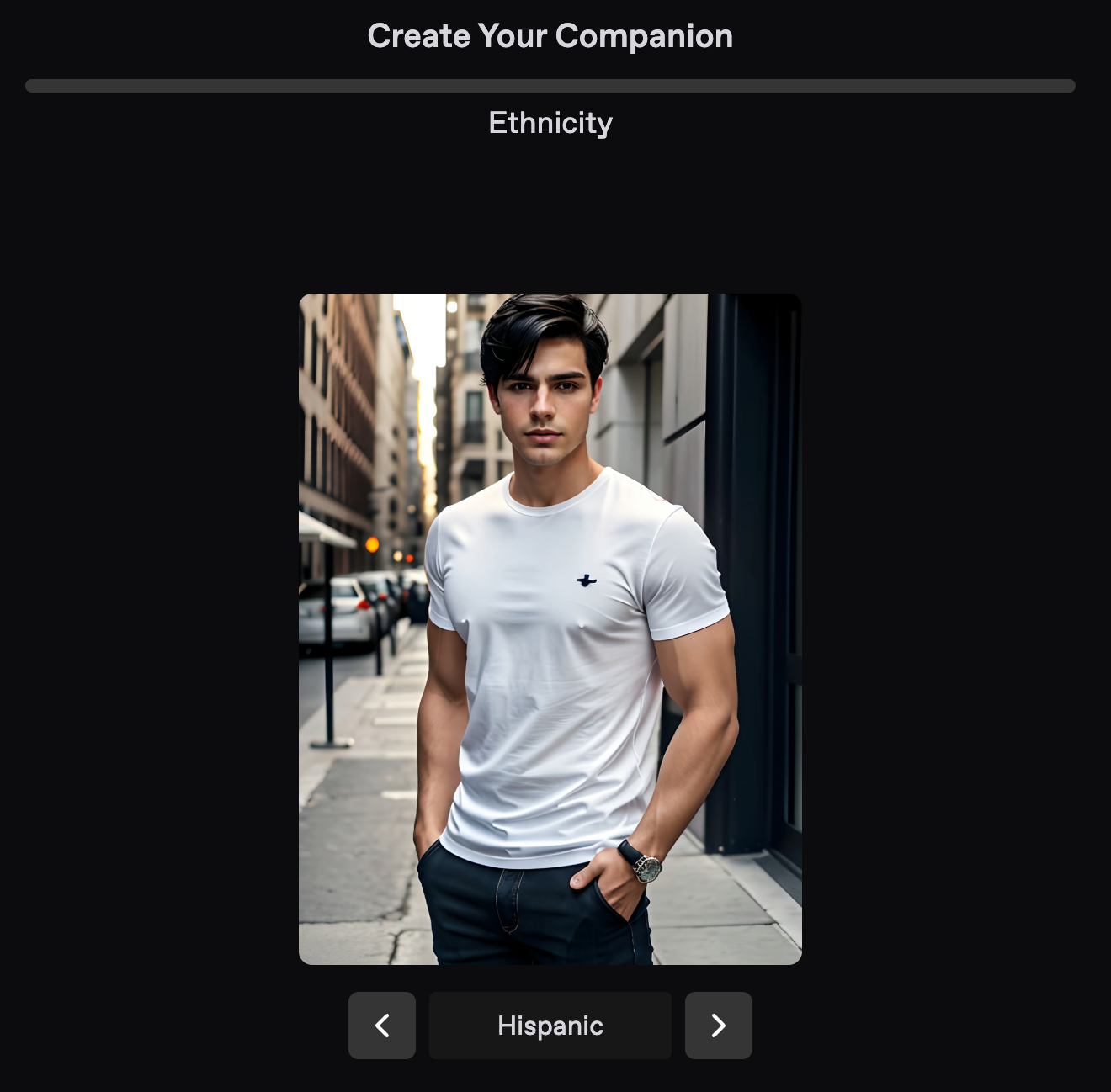
There’s a whole bunch of ethnicities to choose from. Have a scroll through the panel and select the one that’s fitting for you. In this guide, we’ll create a beautiful Hispanic papi. 🔥
Trait Selection
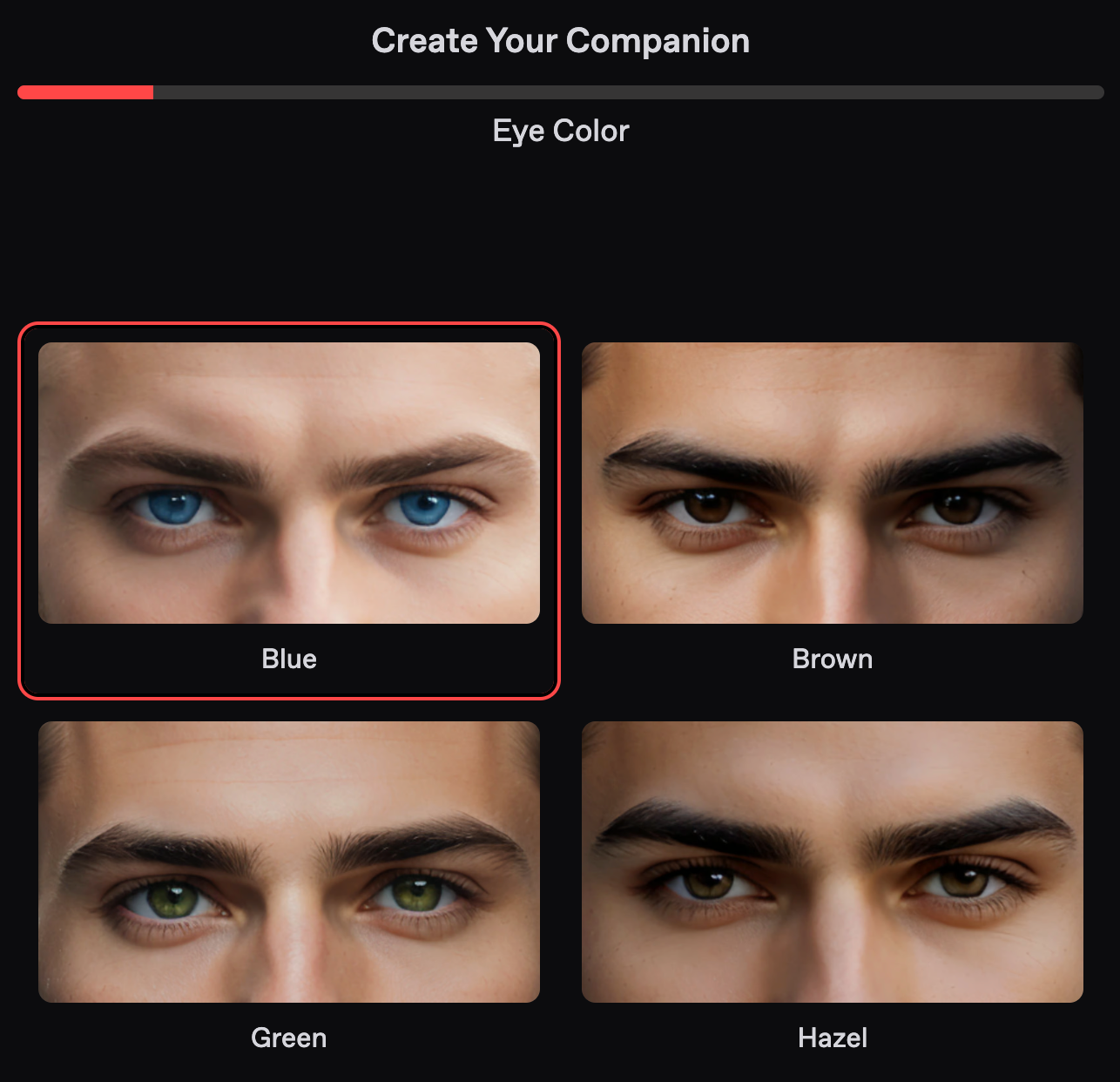
This is a fan favorite section. Similar to choosing traits for a character in a game, you’ll get to select and customize how your dream girl looks. These following sections are pretty self-explanatory. Simply choose what you want to see for eye color, hair color, hair length, and hair style. When you get to body type, you’ll be presented with several canonical options. Choose the one that most closely resembles what you want. If it doesn’t fit it perfectly, don’t worry, the character can adapt over time to develop physically into how you want her to look 💪🏼🍑.
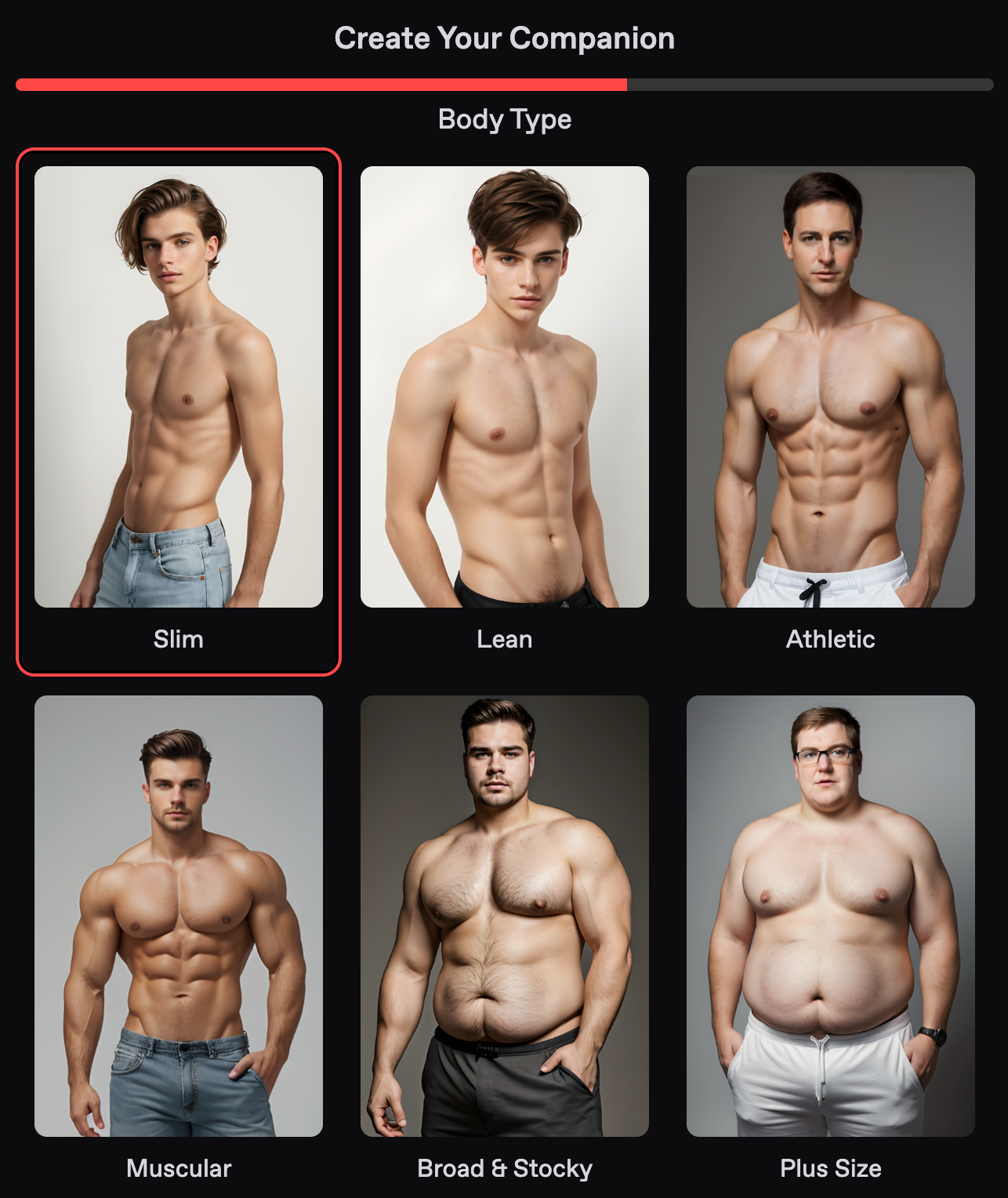
For this example, we made a nice slim Latino hubby with short curly hair.
Age
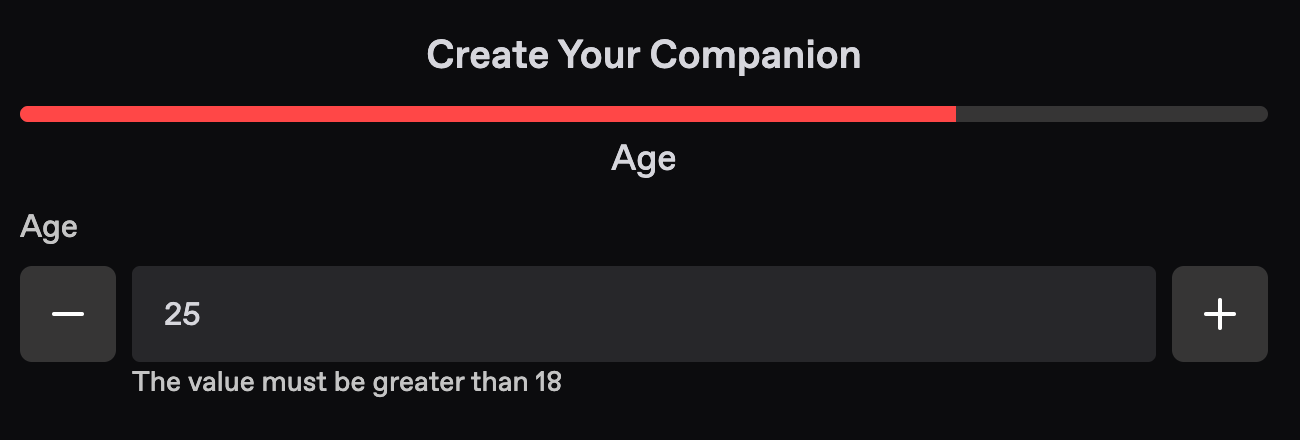
Input your desired age here. Of course, anything under the age of 18 is prohibited and you will not be allowed to select or input something younger. Beyond that is the wild west, and feel free to make her as old as you want.
In our example, we’ll make him 25 years old.
Name and Personality
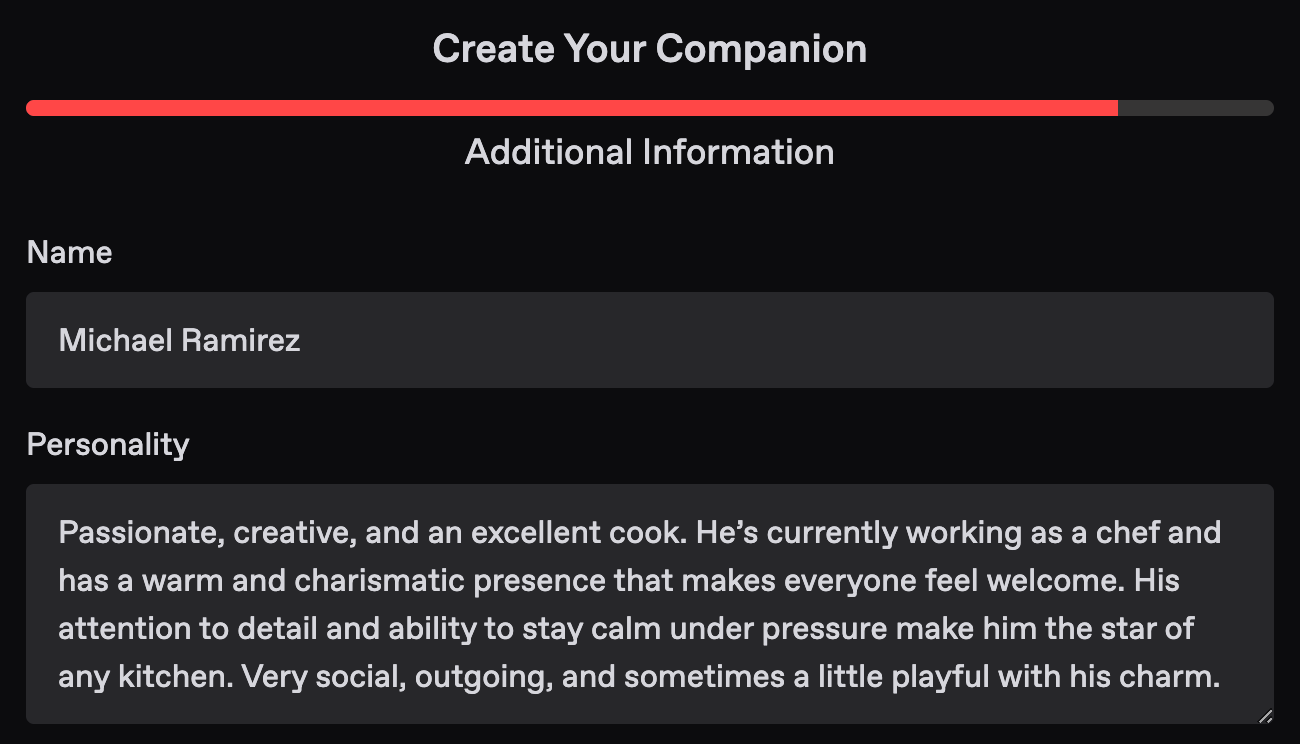
This is where you get to describe the guy you’ve spent so long customizing. Be sure to write things about his personality (calm, adventurous, witty, protective, etc.). Just make sure they don’t conflict with each other too much, and order them by importance, as well as keep them comma-separated. Keep this short and sweet, as you can always edit it later. You can also write about whatever you want here: backstory, likes, dislikes, quirks, hobbies, and flaws. You’ll always be able to edit this later, so don’t worry if you forget to add something you want.
Here’s what we’ve come up with:
Passionate, creative, and an excellent cook. He’s currently working as a chef and has a warm and charismatic presence that makes everyone feel welcome. His attention to detail and ability to stay calm under pressure make him the star of any kitchen. Very social, outgoing, and sometimes a little playful with his charm.
Now it’s onto seeing how Michael looks! To do so, press that Complete button and sit back, wait, and relax (for less than a minute)!
Reroll/Save
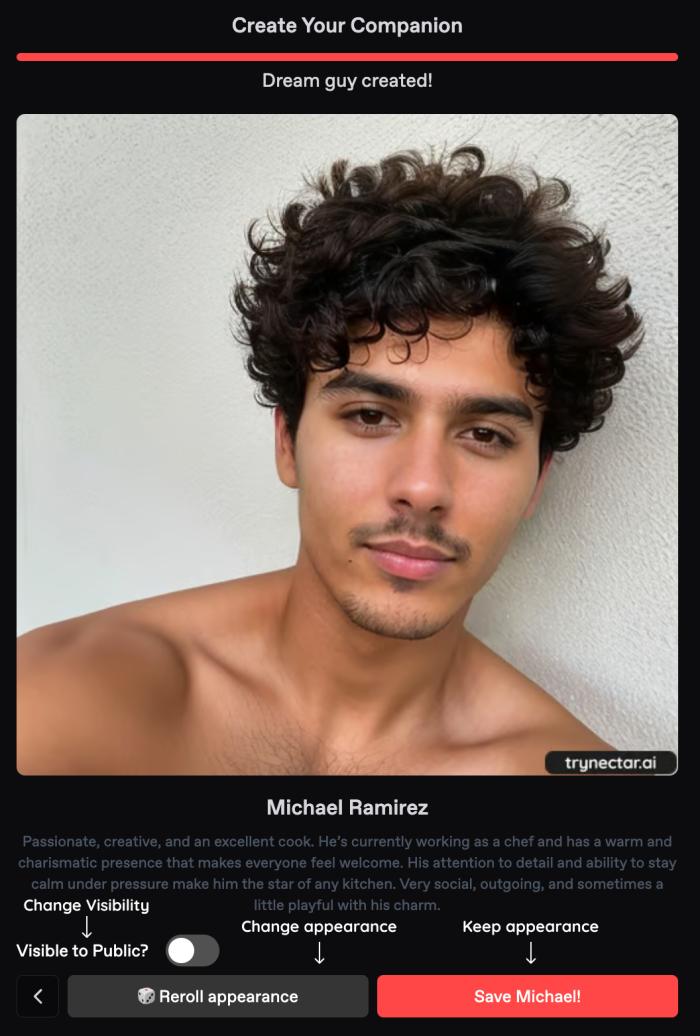
At this point, you should have generated a stunning photo of your boy. If for whatever reason you’re unhappy with the way your girl looks, and you are on a Pro+ plan, you can reroll the way he looks as many times as you want (we know it happens sometimes). Once you’re happy with how your character looks, go ahead and press save, and you’re all set! In this example, we ended up rerolling a few times to finally get what we were looking for. 😍
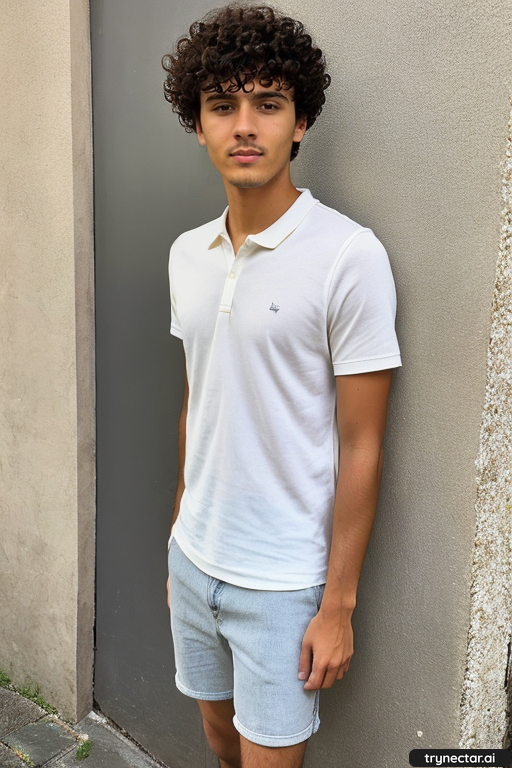
By default, all characters are made private unless you’re on a Pro+ plan. If you’re proud of what you’ve created and want to share her with the world, consider upgrading. The next steps following this are just to create a fantasy, or just get straight to chatting with your lovely new hubby. Good luck in the Nectarverse, and hope you’re able to put a ring on it!
Authored By:
 Ana Weissman
Product Manager @ Nectar AI
Ana manages the product operations and roadmap for a variety of products at Nectar. Her career experience spans Amazon, Hitachi, and Pinterest, showcasing her knack for innovation and strategic product development. Her experience reflects a blend of technical expertise and market acumen, especially in the adult space driving impactful solutions in our products.